
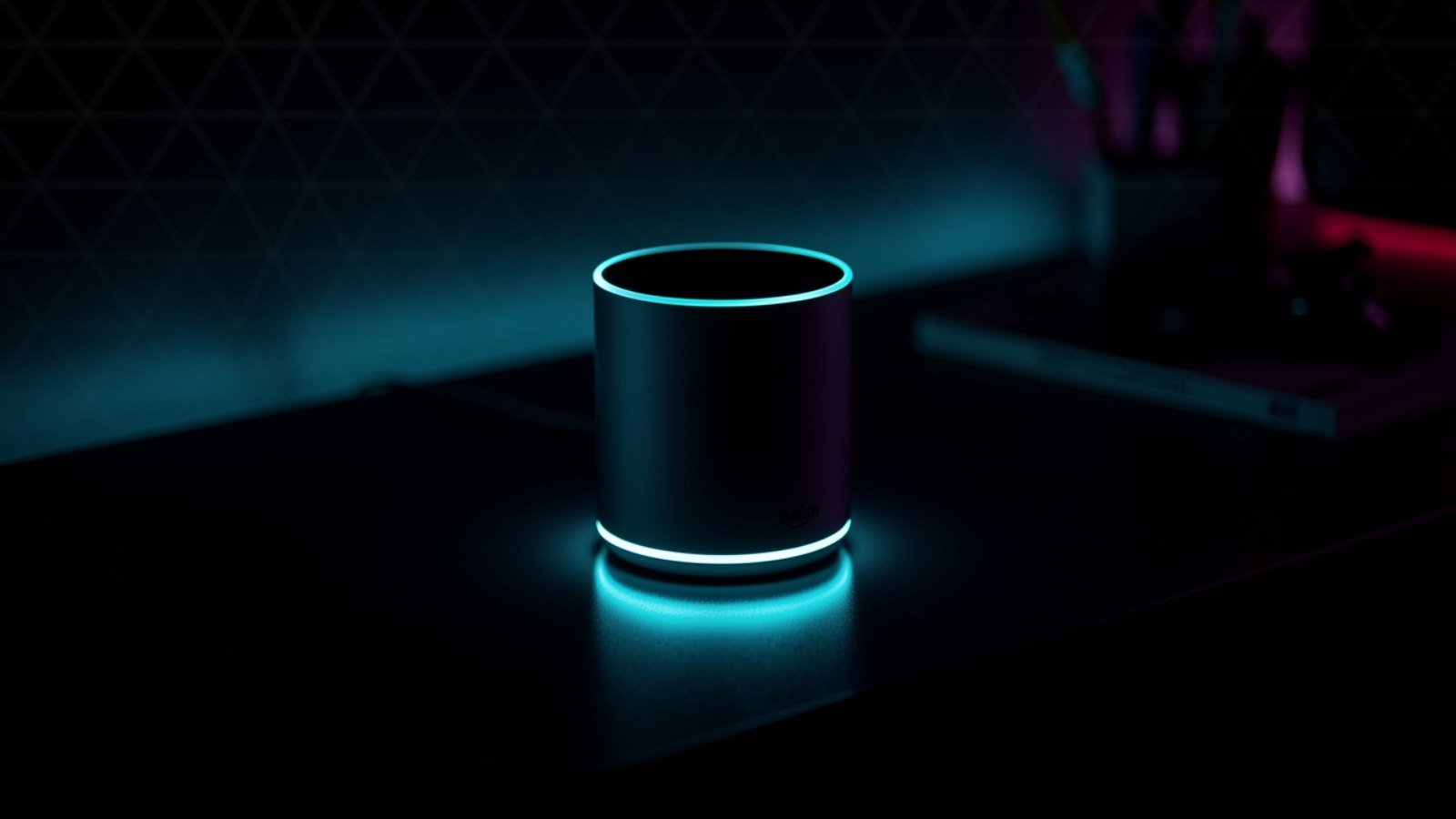
Dorm rooms are a design challenge: one desk, one outlet strip fighting for its life, a roommate with opinions, and about four square feet of free space. That’s exactly the environment Alexa devices were quietly built for — a voice assistant that replaces an alarm clock, a speaker, a white-noise machine and half your light switches without taking up more room than a coffee mug. We compared the current Echo lineup specifically through a student lens — price, size, speaker quality for a small room, and how annoying each one is (or isn’t) for the person sleeping six feet away — and these five earned a spot.
Disclosure: TopAINest is reader-supported. This post contains affiliate links, and we may earn a small commission if you buy through them — at no extra cost to you. We only recommend products we’d genuinely tell a friend to buy.
| Pick | Best for | Approx. price | |
|---|---|---|---|
| Echo Pop | The best cheap way into Alexa | ~$55 | Check price → |
| Echo Dot (5th Gen)★ Top pick | The all-round pick | ~$70 | Check price → |
| Echo Show 5 | Alarm clock, upgraded | ~$120 | Check price → |
| Echo Spot | The stylish bedside option | ~$110 | Check price → |
| Amazon Smart Plug | The $35 quality-of-life upgrade | ~$35 | Check price → |
In this guide
1. Echo Pop — the best cheap way into Alexa
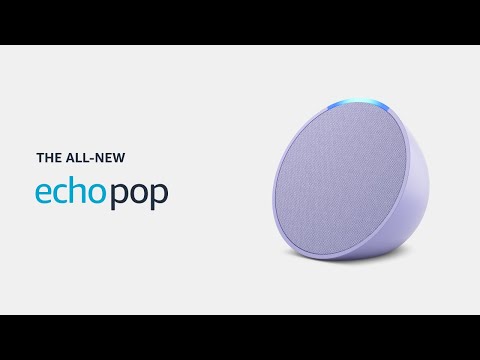
▶ Video: Introducing Echo Pop | Amazon Alexa — Amazon Alexa (official). Click to play; opens YouTube’s player.
The Pop is the semi-sphere that shows up in every dorm for a reason: it’s the cheapest full Alexa device Amazon makes (~$55, and routinely on sale for much less), it’s small enough to live on a windowsill, and the front-facing speaker is honestly decent for a room the size of a walk-in closet. It handles the student essentials — alarms, timers, weather, music, white noise for exam week — without any setup drama. What it doesn’t have: a temperature sensor, a clock display, or sound that fills anything bigger than a dorm room.
Pros: cheapest way into Alexa; compact and cute; perfectly adequate sound for small rooms.
Cons: no display or clock; weaker mics than the Dot; audio thins out at high volume.
2. Echo Dot (5th Gen) — the all-round pick

▶ Video: Echo Dot (5th Gen) review — The Breakdown With Luke (independent review). Click to play; opens YouTube’s player.
Spend a little more (~$70) and the Dot gives you noticeably fuller sound, better microphones that hear you over a fan, a built-in temperature sensor (useful in dorms where the radiator has two settings: off and surface-of-the-sun), and tap gestures to snooze alarms — a dangerous but beloved feature. If you only buy one Alexa device for university, this is the one; it’s the best balance of price, sound and features in the lineup.
Pros: best sound-per-dollar in the Echo range; temperature sensor; tap-to-snooze; great mics.
Cons: still no screen; the clock version costs extra; bass won’t impress anyone at a party.
3. Echo Show 5 — alarm clock, upgraded
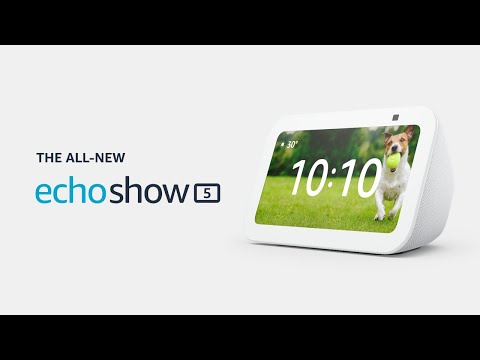
▶ Video: All-new Echo Show 5 (3rd Gen, 2023 release) | Amazon Alexa — Amazon Alexa (official). Click to play; opens YouTube’s player.
The Show 5 (~$120) is what happens when an alarm clock goes to grad school: a 5.5-inch touchscreen that shows the time, your calendar, the weather and lecture reminders at a glance, plus a tap-to-snooze screen and a sunrise-style wake-up that’s gentler than any phone alarm. The camera has a physical shutter switch — worth knowing in a shared room — and video calls home actually look decent. The trade-off is desk space and the fact that the speaker, while fine, is tuned more for podcasts than parties.
Pros: glanceable clock/calendar/weather; gentle sunrise alarms; camera shutter for privacy; compact for a smart display.
Cons: pricier than speaker-only Echos; average sound; a screen near your bed can be a temptation.
4. Echo Spot — the stylish bedside option

▶ Video: All-new Echo Spot (2024 release) | Amazon Alexa — Amazon Alexa (official). Click to play; opens YouTube’s player.
The revived Echo Spot (~$110) splits the difference between the Dot and the Show: a half-circle display that shows the time, weather and song titles — but no camera at all, which some roommates will consider its best feature. Its speaker is a step up from the Show 5 for music, and the semi-circle design takes barely more space than the Dot. It’s the pick for people who want a glanceable clock without a full screen (or a camera) pointed at their bed.
Pros: clean glanceable display; no camera = zero privacy debate; better music than Show 5; small footprint.
Cons: display is info-only (no video); costs nearly as much as the Show 5; often out of stock around back-to-school.
5. Amazon Smart Plug — the $35 quality-of-life upgrade
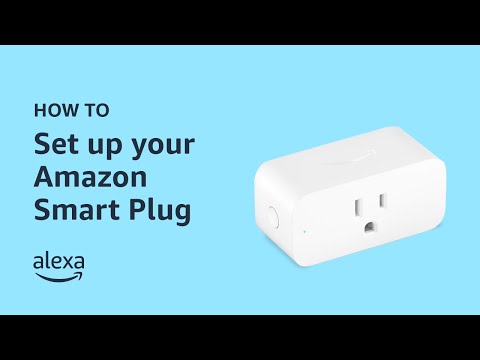
▶ Video: How to Set Up Amazon Smart Plug — Amazon Alexa (official). Click to play; opens YouTube’s player.
Pair any Echo with a Smart Plug (~$35) and suddenly “Alexa, goodnight” turns off your string lights, lamp and fan from bed — which sounds lazy until it’s December and your bed is warm. Setup is genuinely 60 seconds, no hub needed. Two honest caveats: check your residence’s rules first, since some dorms restrict certain appliances on any plug, smart or not — and don’t put anything with a heating element on one.
Pros: cheapest real smart-home upgrade; effortless setup; works with routines (“goodnight”, “I’m leaving”).
Cons: one outlet per plug adds up; useless without an Echo to command it; check dorm appliance rules.
Our top pick
For most students: the Echo Dot (5th Gen), and add a Smart Plug when you catch it on sale — together they cover music, alarms, white noise and lights for about $100. If your alarm clock is the whole reason you’re shopping, get the Echo Show 5 (or the Spot if a camera near your bed feels weird). The Pop is the right answer when the budget is “whatever’s left after textbooks.”
FAQ
Will an Alexa device bother my roommate?
Less than you’d think, with three settings changed: turn on whisper mode (Alexa whispers back if you whisper), enable Do Not Disturb overnight, and lower the wake-word volume. Etiquette-wise, agree on it like you would a mini-fridge — and pick the camera-free Spot or a speaker-only Echo if cameras are a concern.
Do I need a smart home hub in a dorm?
No — every device here connects straight to Wi-Fi. One note: campus Wi-Fi networks with login portals can be fussy with smart devices. Most universities offer a device-registration page or a separate IoT network; five minutes with your IT help desk page usually solves it.
What else should I pack for a tech-smart dorm?
An Echo covers sound and alarms; pair it with the budget picks in our back-to-school tech under $100 guide — a good power strip, desk light and headphones do more for your GPA than any gadget on this list.
The bottom line
Alexa devices earn their spot in a dorm by replacing three or four single-purpose gadgets with one thing that costs less than a textbook. Start with the Dot, add pieces as sales come around, and set up whisper mode before your roommate files a complaint. We’ll keep this list updated as the Echo lineup changes.


Leave a Reply